

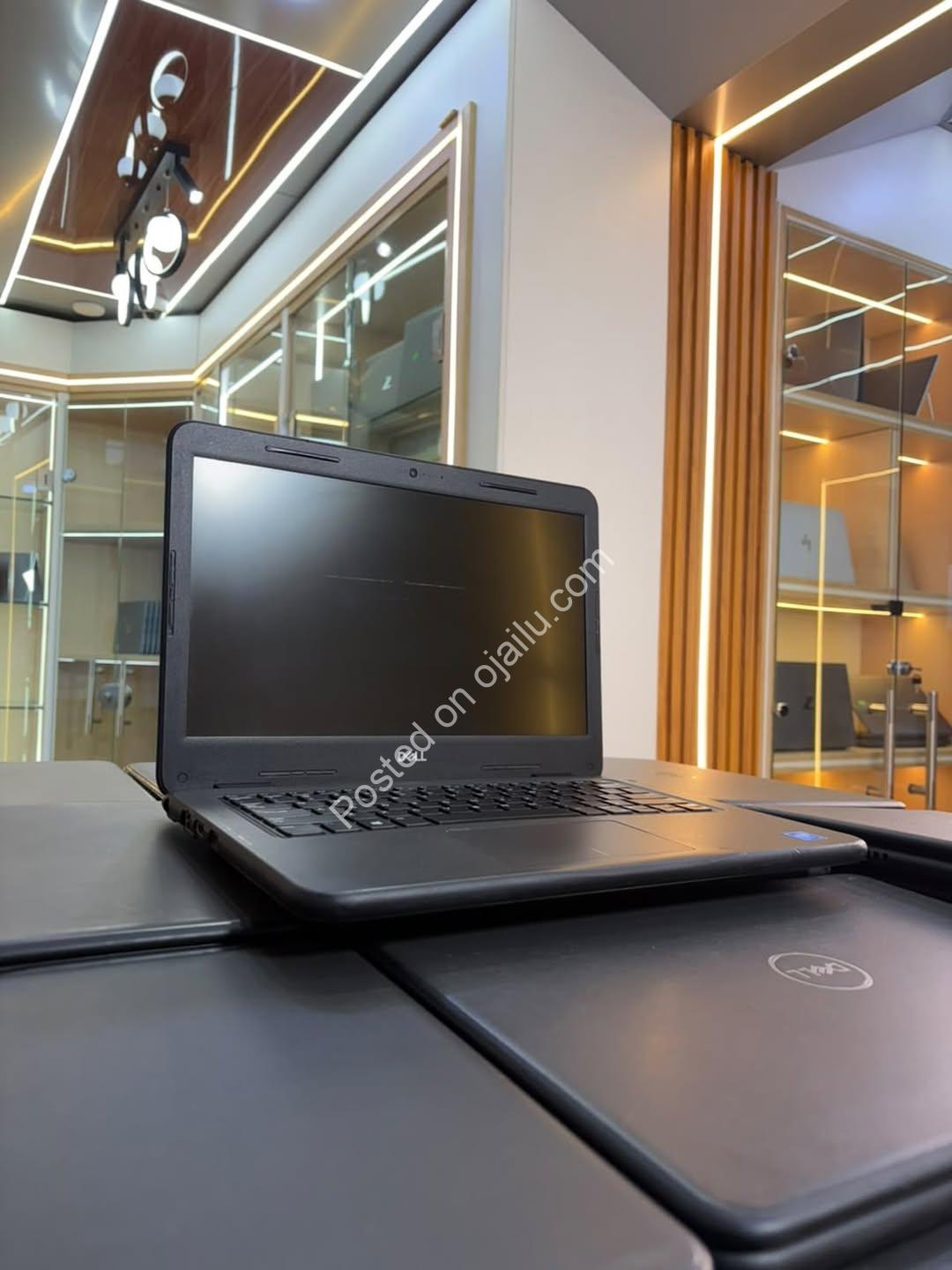
Dell Latitude 3310 Student Laptop – 13.3″ Portable Power
Overview
- Category: Computers & Laptops , Electronics
- Brand: Dell
- Device Type: laptop
- Processor Type: Intel Celeron
- Display/Screen Size: 13.3 inches
- RAM: 4GB
- Storage Capacity: 64GB
- Front Camera Specification:
- Sound Channels:
Description
Back-to-School Brilliance: The Dell Latitude 3310 Is Here!
Get ahead this semester with a laptop that’s compact, capable, and priced to move. The Dell Latitude 3310 is the sleek study companion every student deserves.
Key Features
- ⚡ Efficient Intel Celeron processor handles assignments, browsing, and online classes with ease
- ️ Crisp 13.3″ display — light enough for your backpack, big enough for real work
- 4GB RAM and 64GB storage, both upgradable, so this machine grows with your ambitions
- Charger included — unbox, power up, and get straight to work
Unique Selling Points
The Latitude 3310 is built for reliability, making it perfect for students, schools, CBT centres, and everyday office tasks. Its compact frame slips easily into any bag, while upgradeable RAM and storage mean you’re never stuck with yesterday’s specs.
Lifestyle Integration
Picture it: early morning lectures, afternoon research, evening assignments — one dependable device carrying you through it all. Light on your shoulders, heavy on performance where it counts. ✨
Call to Action
Secure this deal today for just ₦110,000 — stock moves fast during back-to-school season. DM now to order; payment validates your order. Enjoy a secure purchase and fast delivery. Don’t let this one slip away!
Disclaimer: This listing description was enhanced by AI based on available information. Please verify all details with the seller before making a purchase.
Intel Celeron Processor
13.3” Display
4GB RAM / 64GB Storage
RAM & Storage Upgradable
Charger Included
Location
Related Ads
Leave feedback about this
You must be logged in to post a review.